



What Is the Best Office Layout for Productivity?

A Complete Guide to Choosing the Right Layout for Focus, Collaboration, and Team Performance
If you’re asking, “What is the best office layout for productivity?”, you’re not alone. Business owners, office managers, and HR teams across Australia—from Canberra to Sydney to Melbourne—are rethinking how office design influences team performance.
The truth is: there’s no one-size-fits-all solution. But there are proven strategies to help you create an office layout that promotes focus, reduces stress, and fuels collaboration.
In this guide, we’ll walk you through the best office layout types, key factors to consider, and expert tips to help you plan your most productive workspace yet.
Consider incorporating various office layout design ideas to enhance productivity and accommodate diverse work styles. These office layout design ideas can help you explore a variety of options, ensuring that your workspace is optimized for efficiency and collaboration. In fact, utilizing specific office layout design ideas can significantly contribute to a productive environment.
Why Office Layout Matters
Your office layout shapes how people interact, how work flows, and how employees feel day to day.
A smart layout can:
- Improve focus and attention
- Reduce noise and distractions
- Support collaboration and teamwork
- Reflect your brand culture
- Save costs by maximising space efficiency
The wrong layout, on the other hand, can lead to frustration, burnout, and wasted space.
The 5 Best Office Layouts for Productivity
Let’s break down the five most effective office layouts and how they support productivity in different ways.

1. Open Plan Layout
Best for: Team collaboration and fast communication
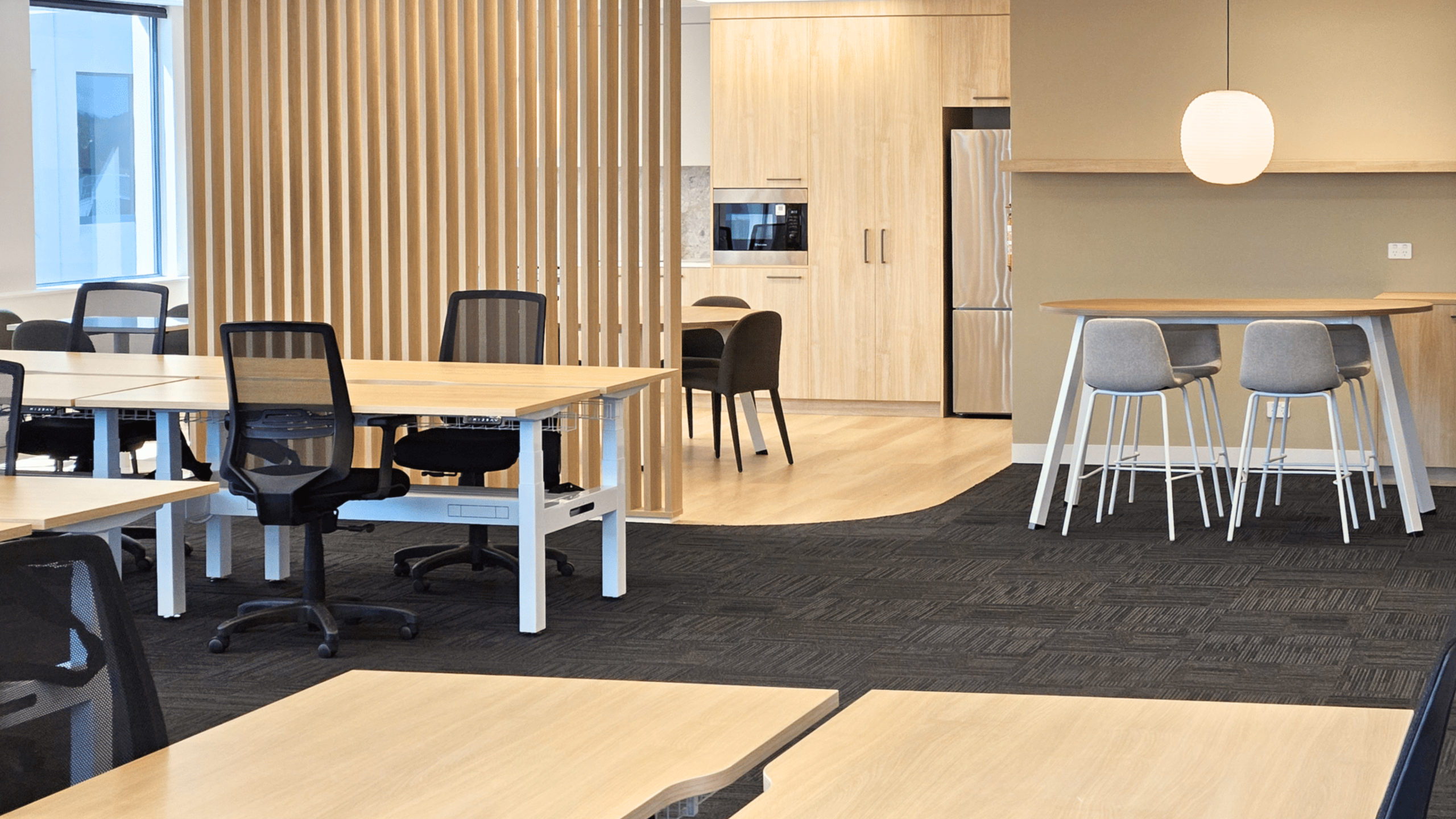
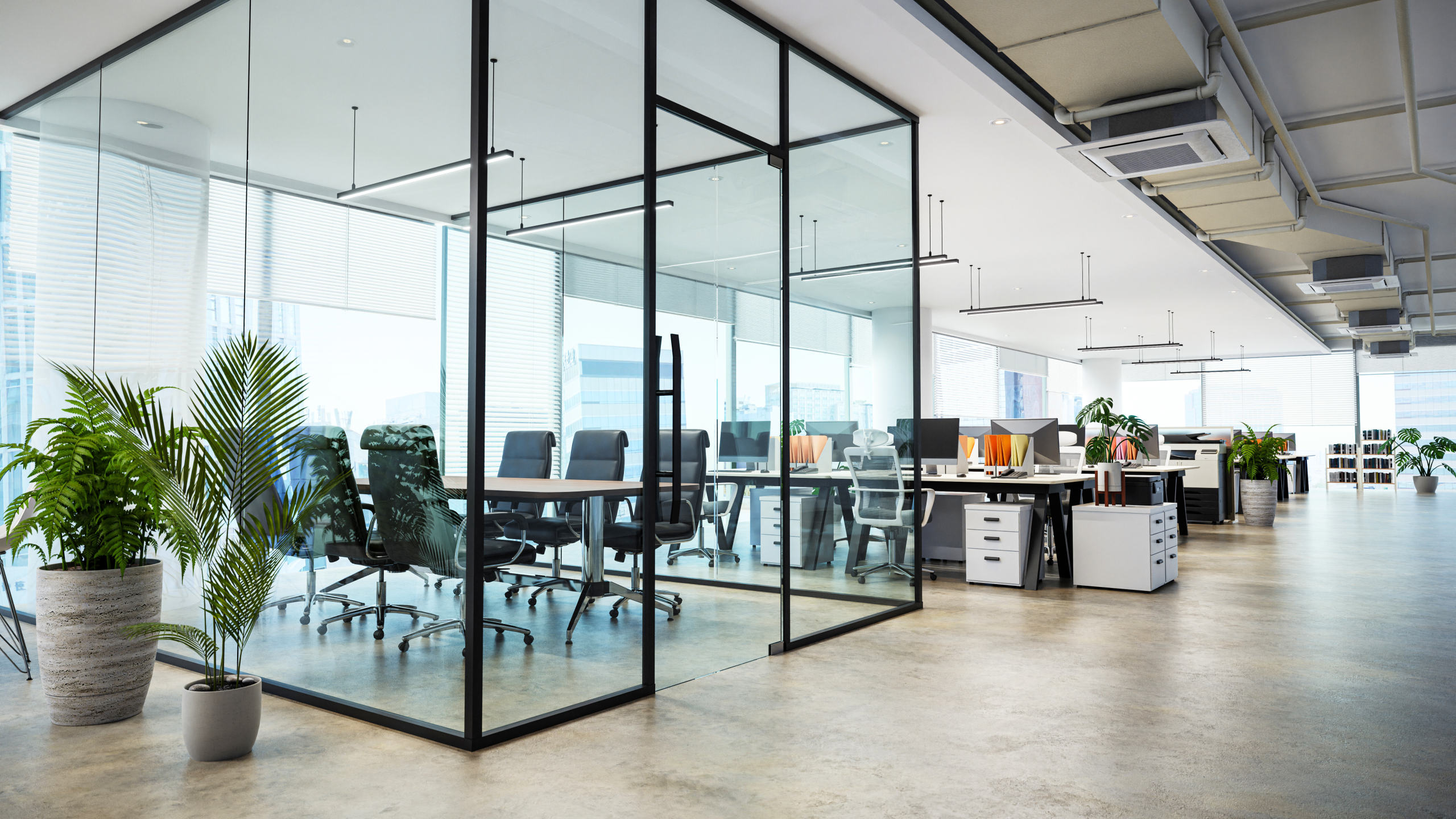
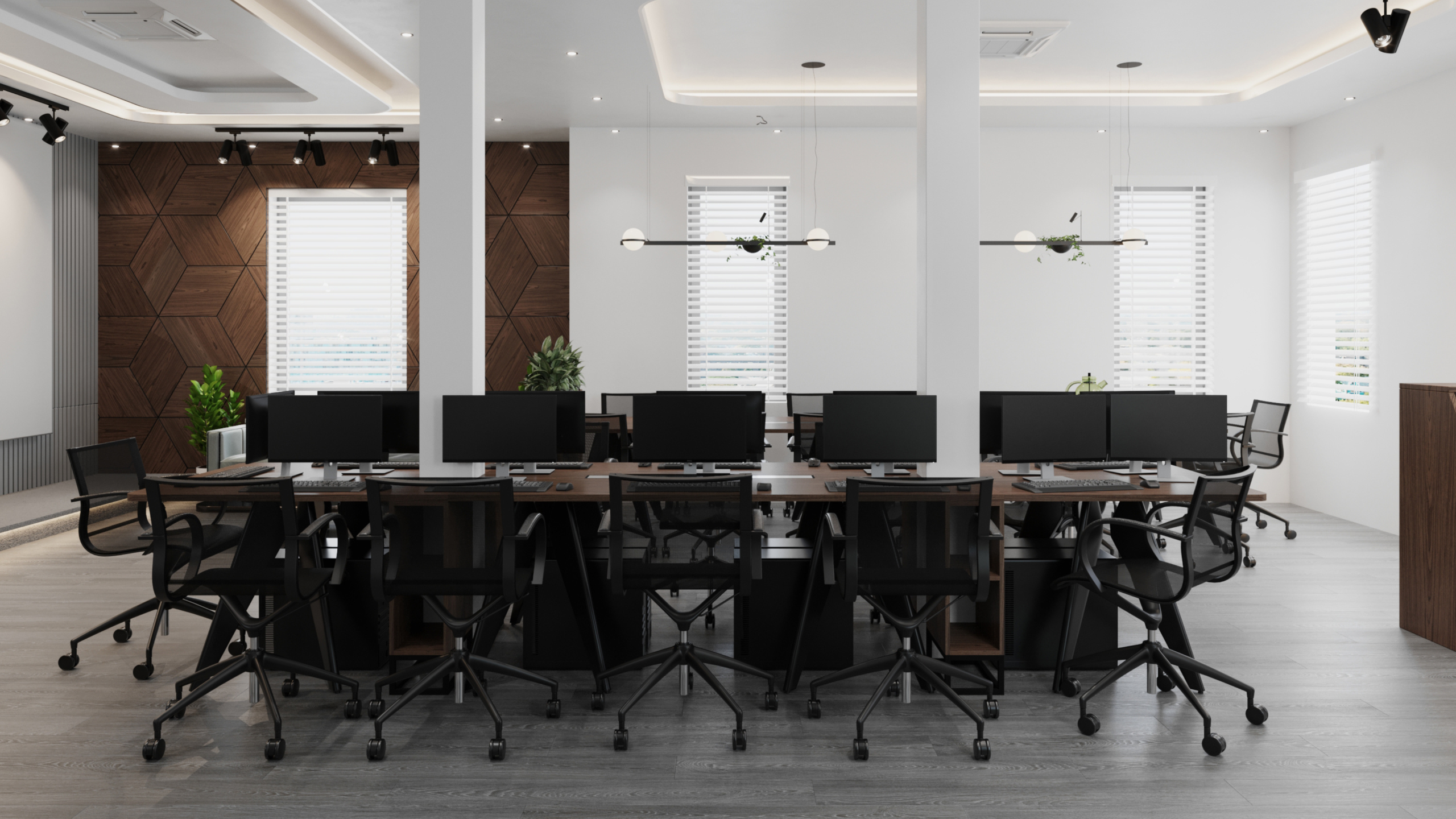
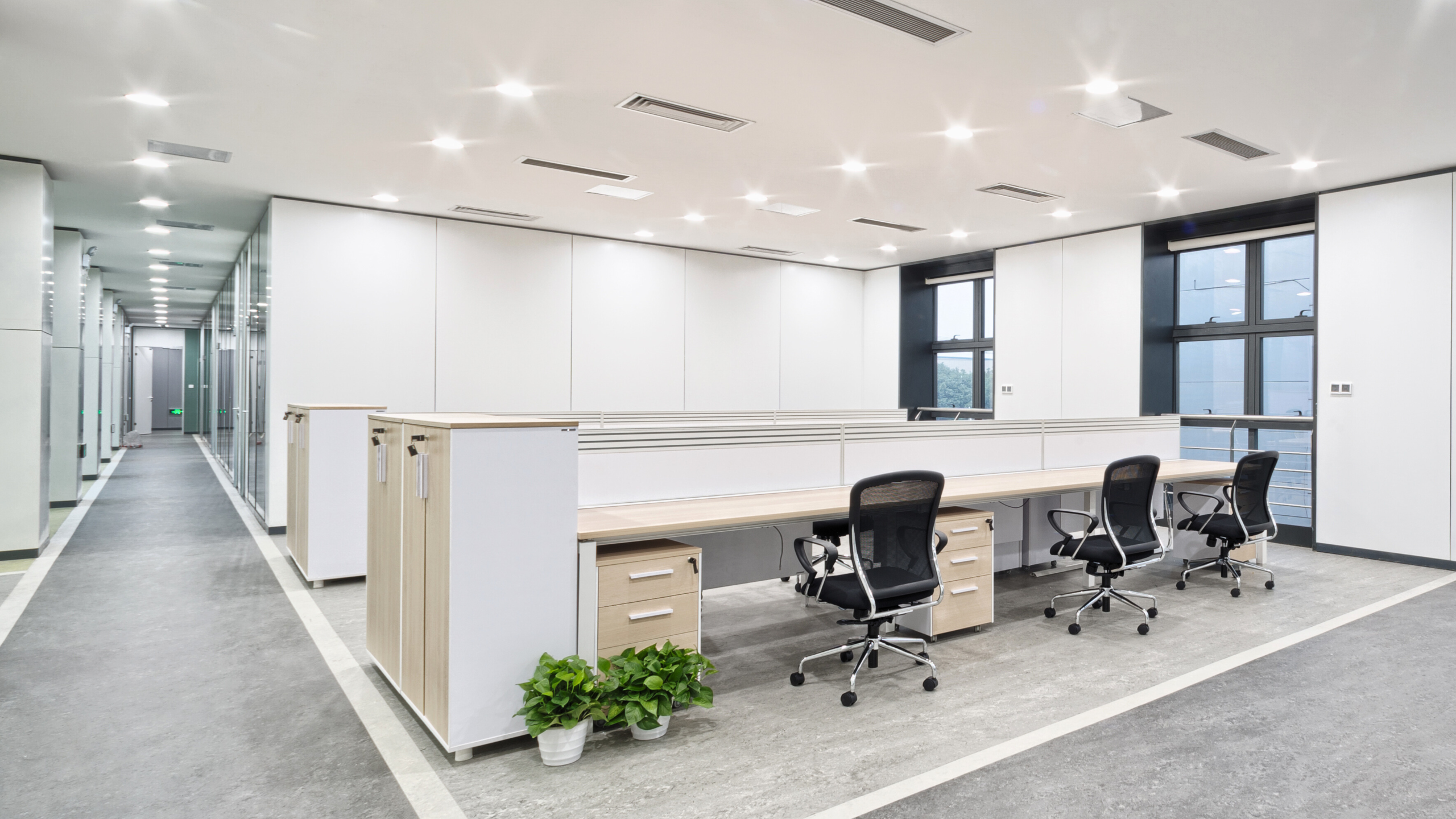
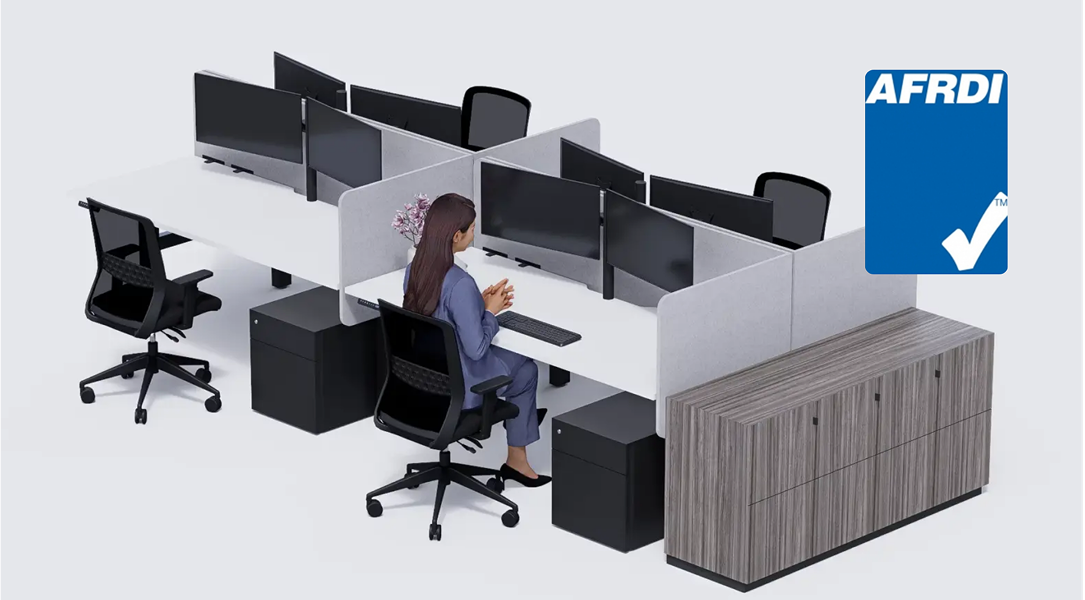
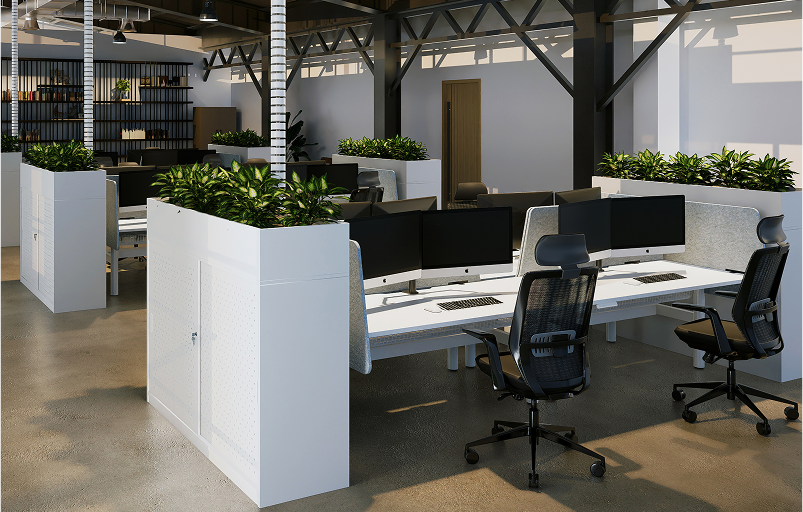
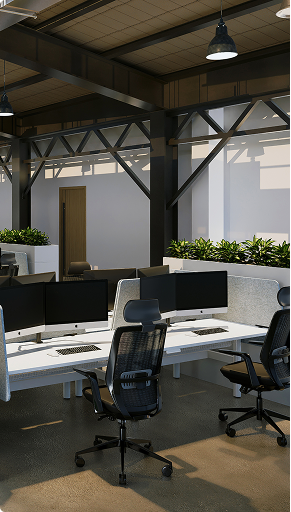
Open-plan offices remove barriers like cubicles and doors. Desks are arranged in rows or clusters.
Pros:
- Encourages idea-sharing and interaction
- Space-efficient
- Easier supervision and team management
Cons:
- Noise and distractions
- Limited privacy
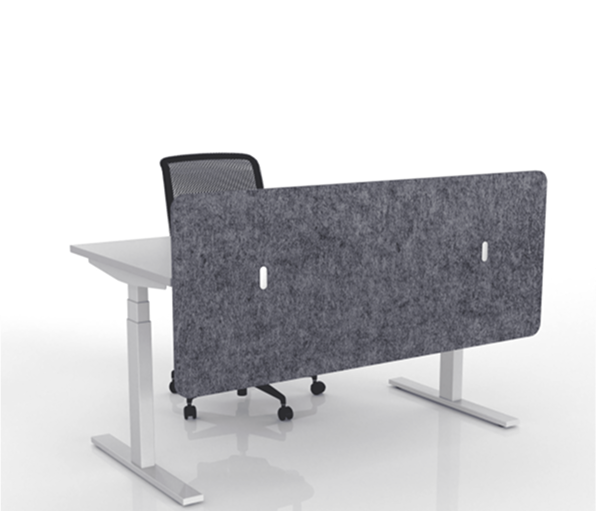
Productivity Tip: Add acoustic panels, desk dividers, or quiet zones to reduce disruption without sacrificing openness.

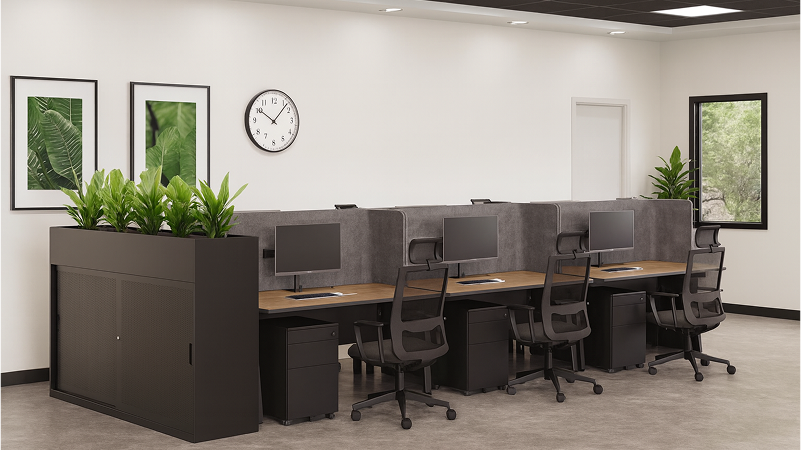
2. Private Workstations (Cubicle Layout)
Best for: Focused individual work
Cubicles or enclosed desks provide personal space, reducing interruptions.
Pros:
- Better concentration and privacy
- Reduced noise levels
- Personalised workstations
Cons:
- Can feel isolating
- Limits spontaneous collaboration
Productivity Tip: Balance cubicles with communal breakout spaces or open meeting zones.

3. Activity-Based Working (ABW)
Best for: Flexibility and choice
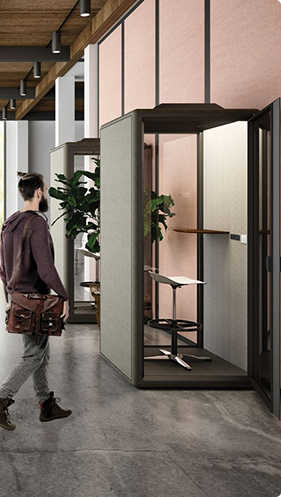
In an ABW layout, staff choose where to work depending on the task—whether it’s a focus pod, meeting room, or collaborative hub.
Pros:
- Empowers employees to work how they work best
- Increases engagement and autonomy
- Optimises real estate by using space more efficiently
Cons:
- Needs clear structure and booking systems
- Can be unfamiliar or uncomfortable for some employees
Productivity Tip: Provide clear signage and usage policies to help teams adopt the model smoothly.

4. Hybrid Layout
Best for: Balancing collaboration and quiet work
A hybrid office combines elements of open-plan, cubicles, and ABW—offering private, shared, and flexible spaces in one cohesive layout.
Pros:
- Suits different roles and workstyles
- Enhances wellbeing and engagement
- Great for hybrid (remote + in-office) teams
Cons:
- Requires more space and planning
- Can be more expensive to fit out
Productivity Tip: Use zoning (e.g., ‘Focus Zone,’ ‘Collaboration Zone’) to guide behaviours and improve wayfinding.

5. Hot Desking / Hoteling
Best for: Mobile or part-time teams
Desks are not assigned. Instead, employees book desks daily or weekly.
Pros:
- Reduces real estate footprint
- Encourages flexibility
- Promotes a clean-desk culture
Cons:
- No personal workspace
- Can cause friction without strong systems
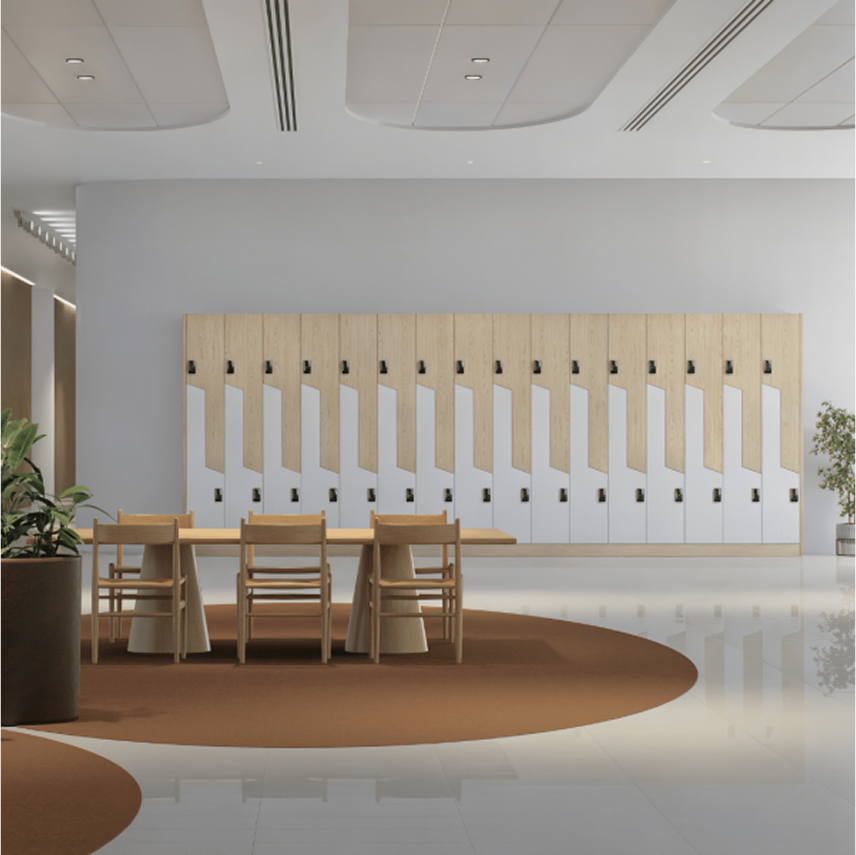
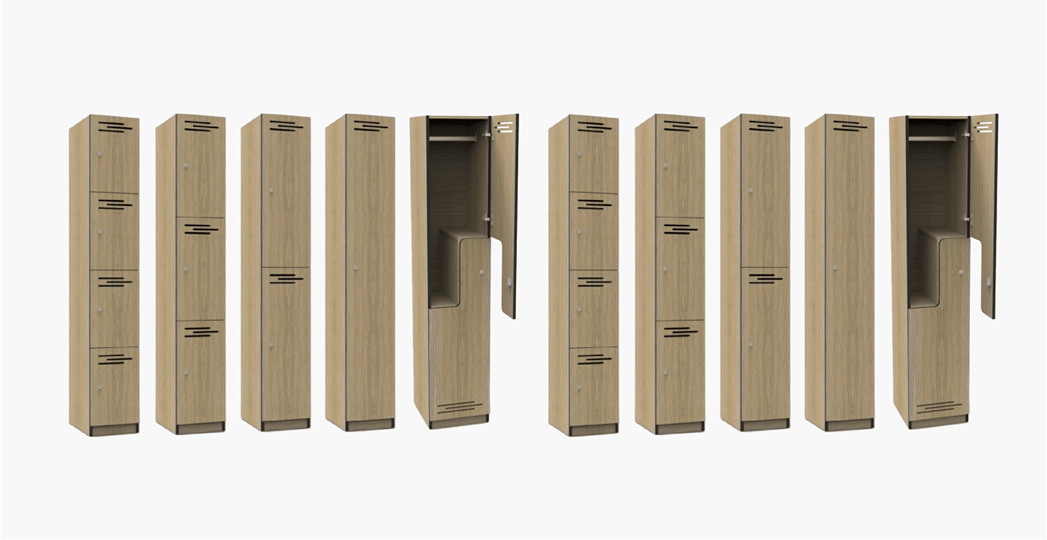
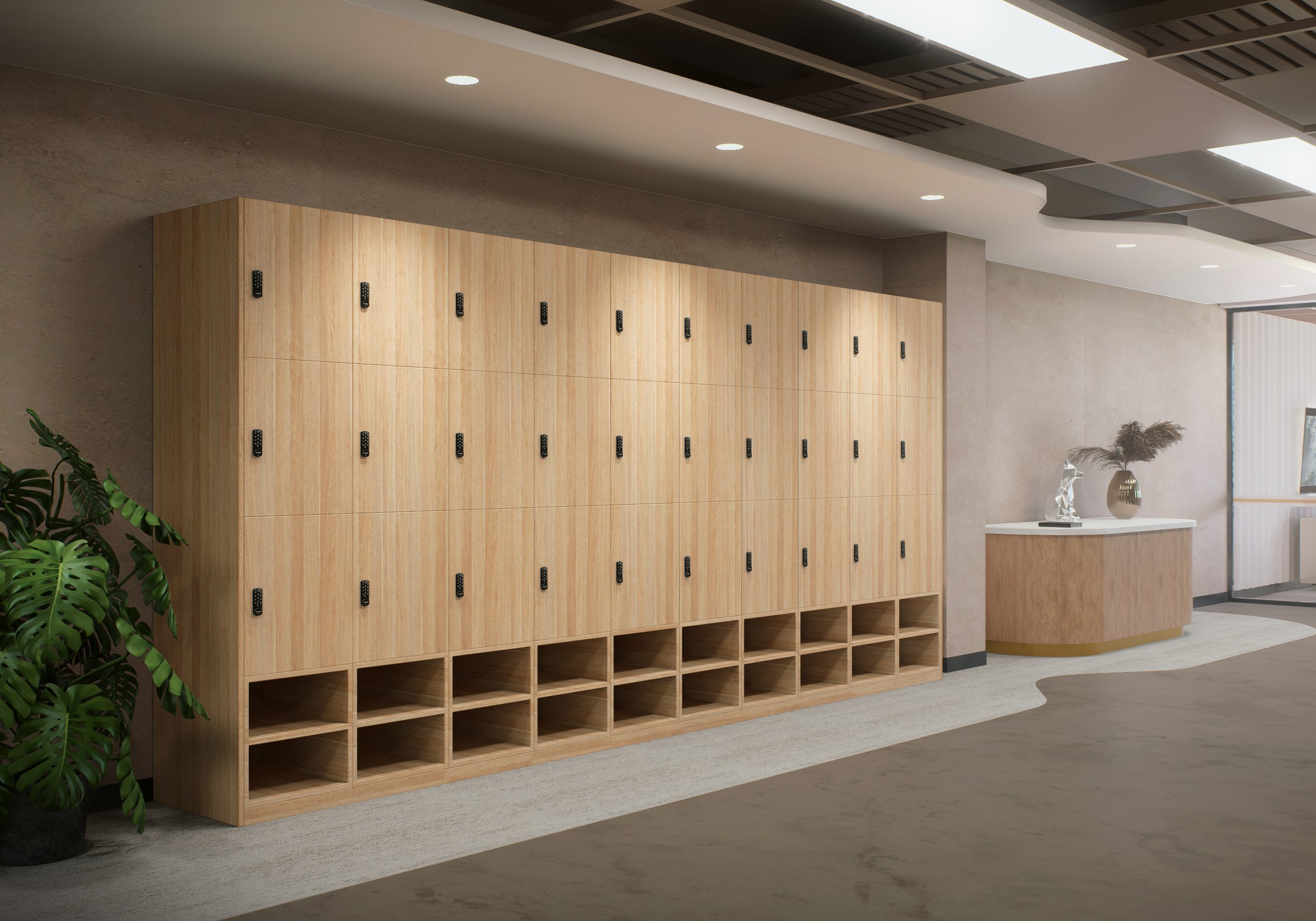
Productivity Tip: Use online booking tools and provide secure storage (e.g., lockers) to ease the transition.

Key Design Considerations to Boost Productivity
No matter which layout you choose, productivity depends on more than desk placement.
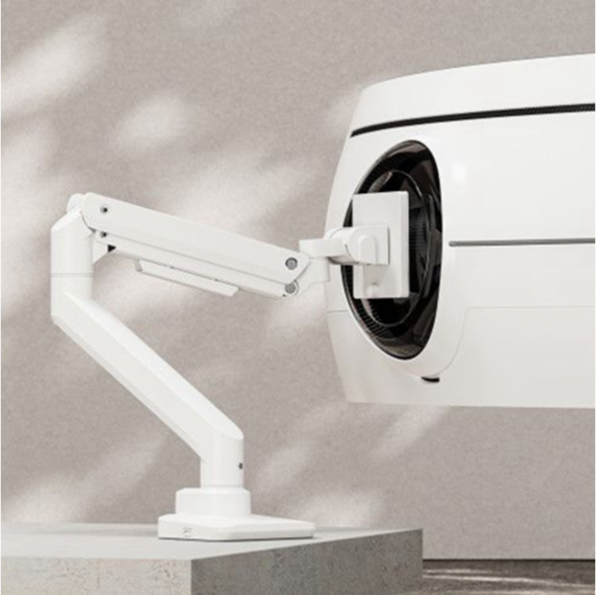
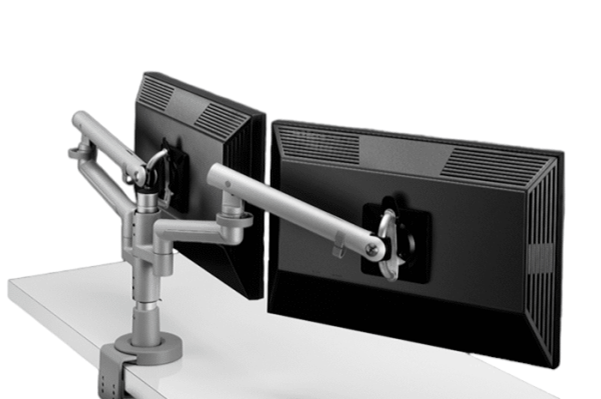
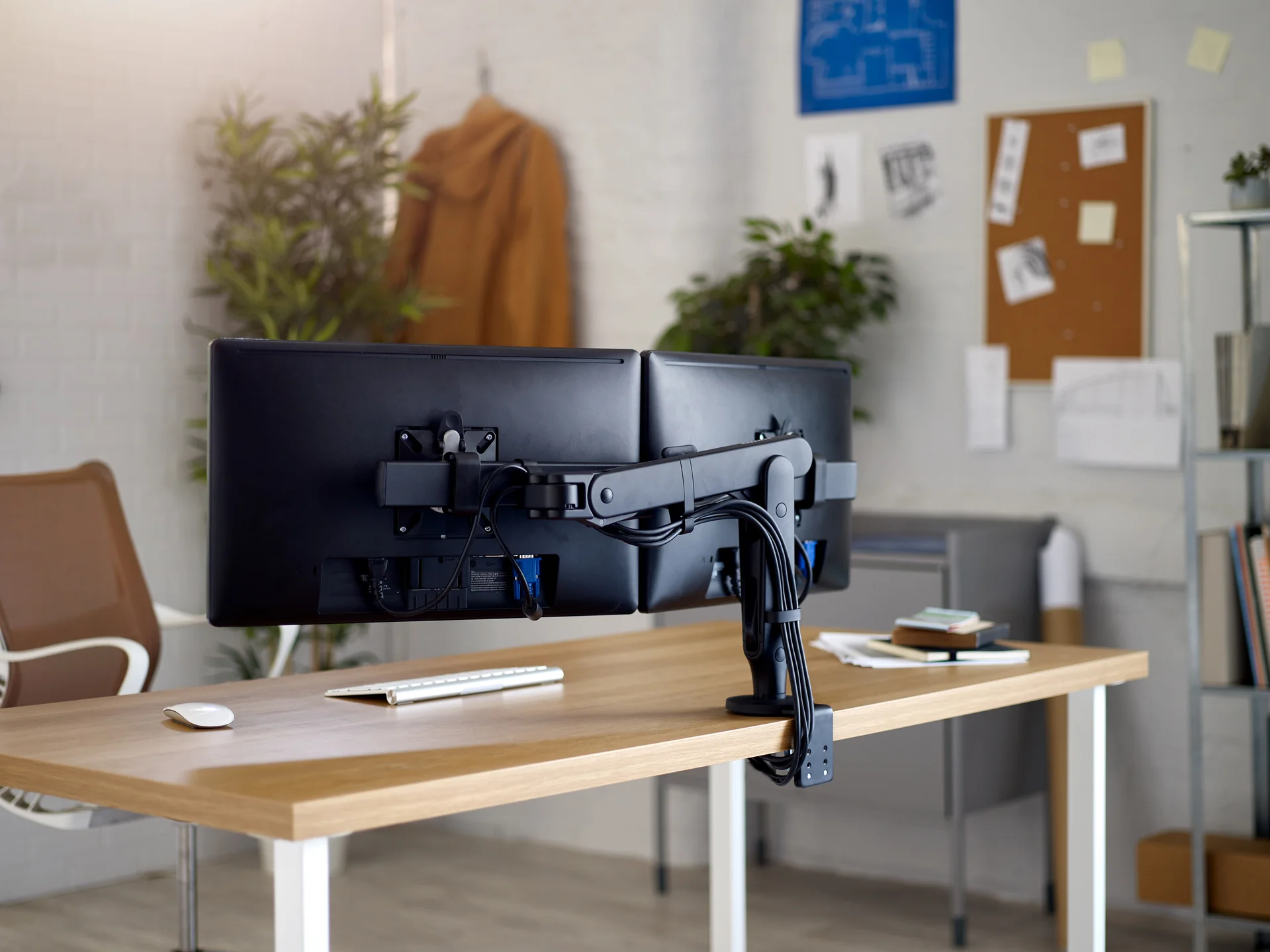
- Ergonomics: Provide ergonomic chairs, height-adjustable desks, and monitor arms to reduce fatigue and physical strain.
- Lighting: Maximise natural light, supplement with task lighting, and avoid glare.
- Acoustics: Use soft materials (carpet, panels) and strategic furniture placement to reduce noise.
- Technology Integration: Plan power points, AV setups, and IT needs early. Poor tech placement leads to clutter and downtime.
- Layout Flow: Minimise bottlenecks in hallways, clearly mark departments, and separate high-traffic areas from quiet zones.
Example Layout Strategy
Here’s how a medium-sized business in Sydney might approach their office layout:
- Open workspace: For marketing and creative teams
- Private cubicles: For finance or legal departments
- Activity-based zones: For project-based or mobile teams
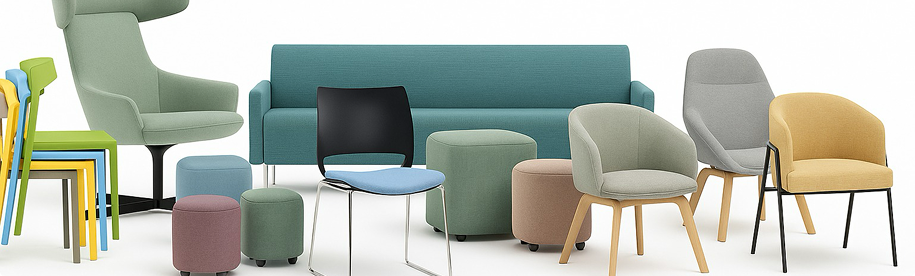
- Collaboration lounges: With whiteboards and relaxed seating
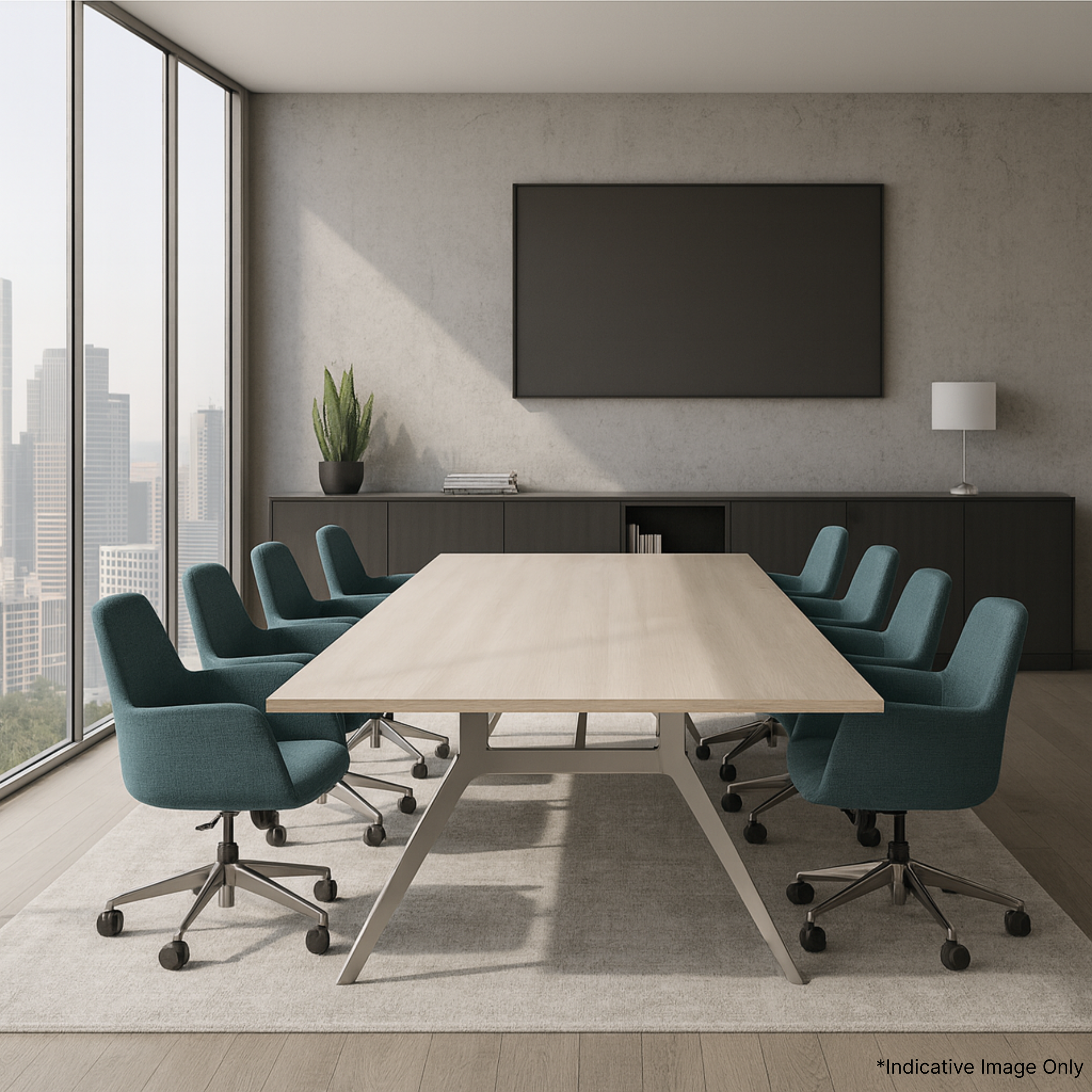
- Meeting rooms: With smart AV for hybrid calls
Need help creating your ideal layout? Our team at Aurora Office Furniture offers free 3D space planning and expert advice.
Final Thoughts: Choose a Layout That Works for Your Team
The best office layout for productivity depends on your people, your work, and your goals. With the right balance of comfort, focus, and flexibility—you’ll create a space where your team actually wants to work.
Popular Questions About Office Layout and Productivity
What’s the most productive office layout?
There’s no single “most productive” layout—it depends on your team’s needs. Most offices benefit from a hybrid model with quiet zones, collaboration hubs, and flexible desks.
How do I make a small office more productive?
Use modular furniture, vertical storage, and light colours. An open layout with defined quiet areas works well in smaller offices.
How does office furniture impact productivity?
Ergonomic furniture reduces discomfort, improves posture, and helps people stay focused longer.
Is open-plan still effective post-COVID?
Yes—but it’s evolving. Many companies now combine open-plan with bookable quiet spaces or private rooms.
What’s the best office layout for hybrid teams?
A hybrid layout—offering both collaborative and solo spaces—is ideal. Add hot desks and tech-friendly meeting rooms for remote collaboration.

Want a Tailored Office Layout Plan?
Download our free guide or book a 1-on-1 consultation with our team. We’ll help you design a layout that improves productivity and supports your team—wherever you are in Australia.
Table of Contents
Get Our Pricing Catalogue

Featured posts
View all posts