




What Should I Consider When Designing an Office Layout? | Office Design Tips (7 Essentials to Know)
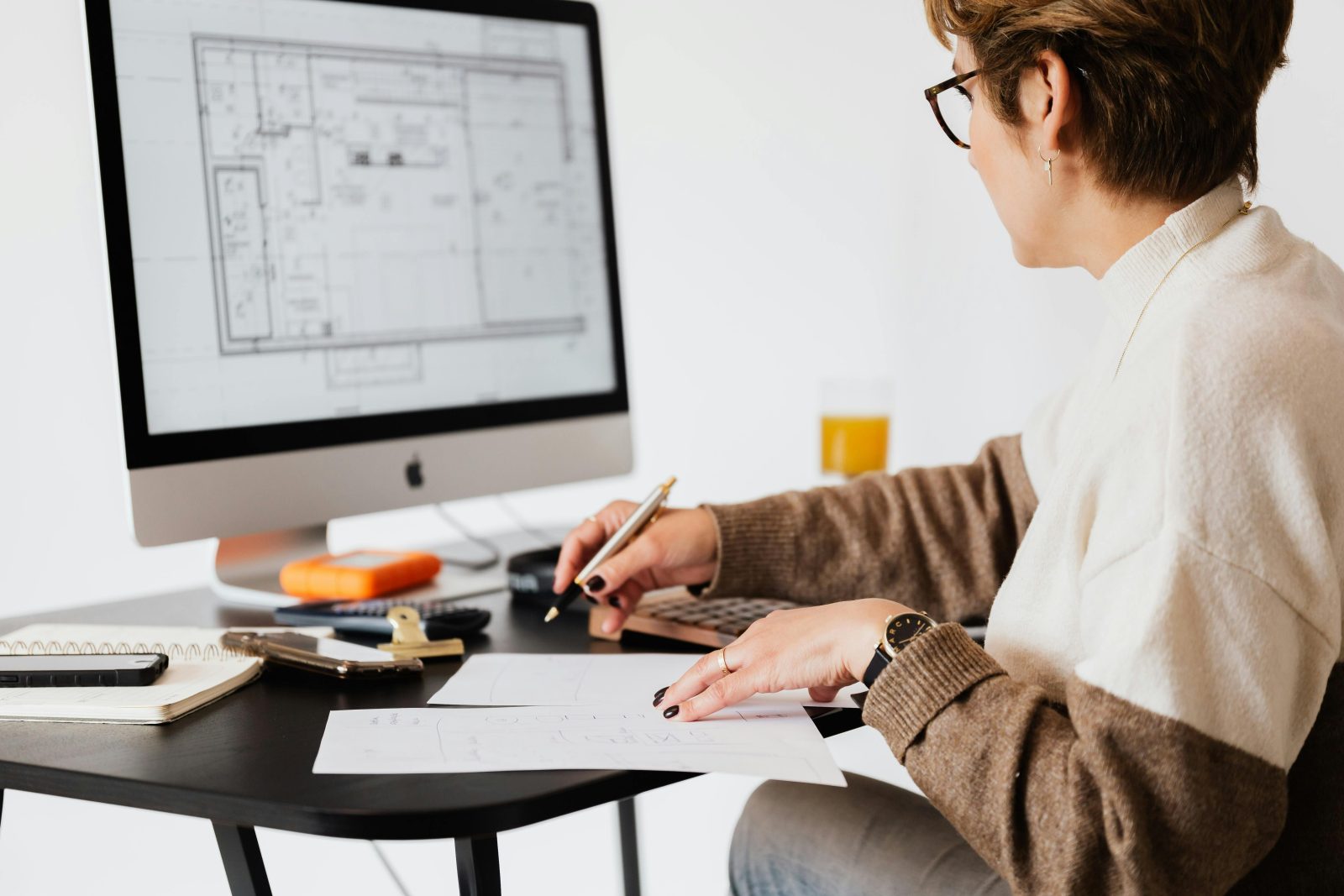
Your Complete Guide to Creating a Productive, Efficient Workplace
Incorporating vital office layout design tips can significantly enhance your workspace effectiveness.
Designing an office layout isn’t just about where desks and chairs go, it’s a strategic decision that affects team productivity, employee well-being, and how your brand is experienced every day. If you’re wondering, “What should I consider when designing an office layout?”, you’re asking the right question.
These office layout design tips will serve as a foundation for creating optimized work environments.
In this post, we’ll break down the 7 essential considerations for designing a modern office layout that supports how your business works today, and tomorrow.
Keep these essential office layout design tips in mind as you plan your workspace.
Why Your Office Layout Matters
Your office layout has a direct impact on:
- Productivity: The right flow and structure reduce friction and improve focus.
- Collaboration: Spaces that support teamwork lead to stronger ideas and faster problem-solving.
- Employee Satisfaction: Comfortable, ergonomic spaces improve morale and reduce turnover.
- Brand Perception: Clients and visitors get a first impression of your company from your workspace.
In many cases, office layout is also a silent driver of your company culture—reinforcing how you work, how you meet, and how you celebrate milestones.

1. Space Planning and Workflow
Reflecting on these office layout design tips can help identify areas for improvement.
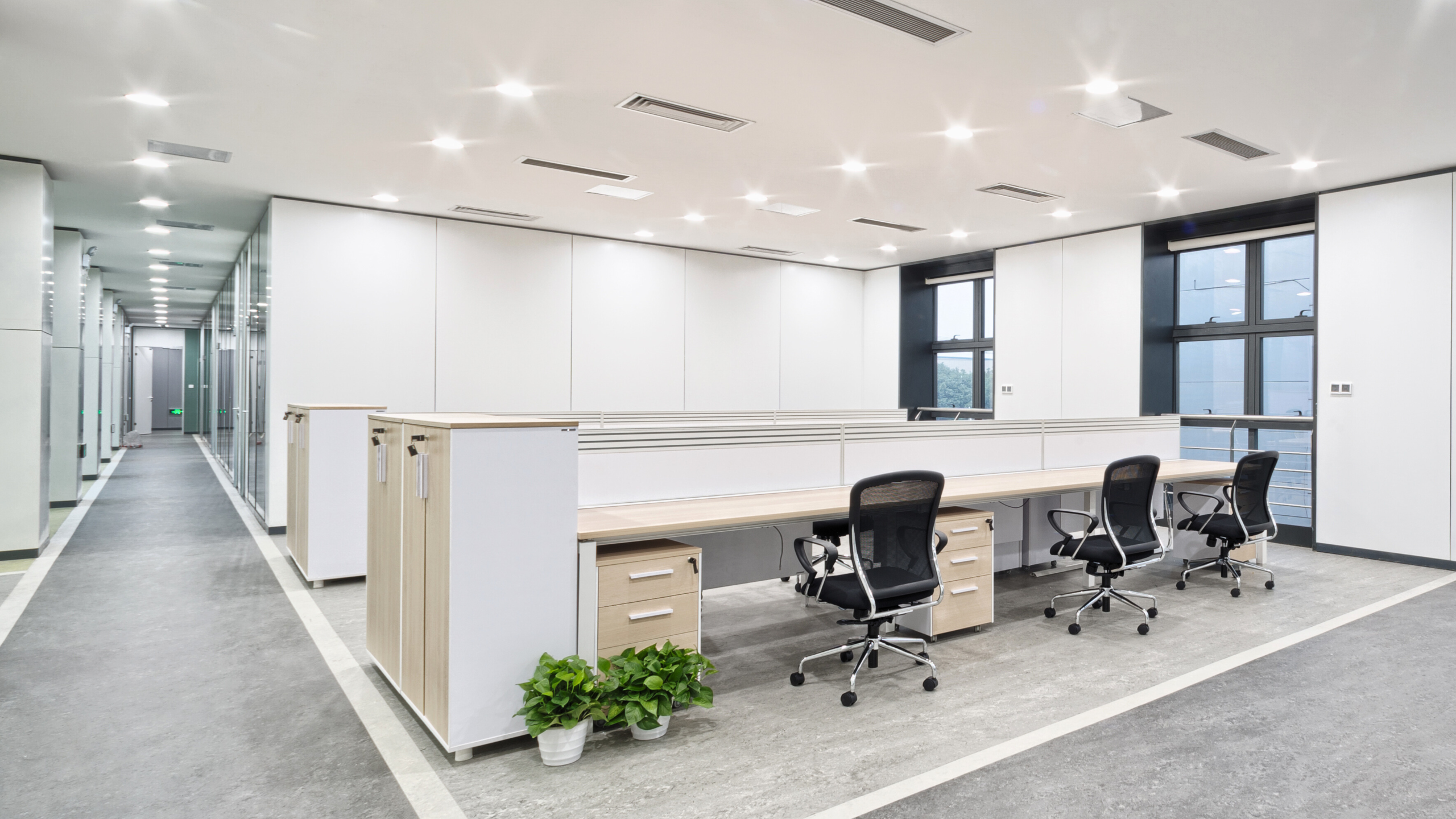
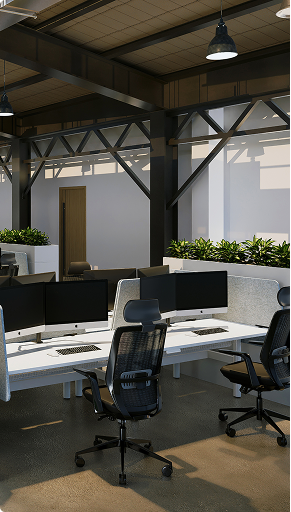
- Daily movement and interaction across departments
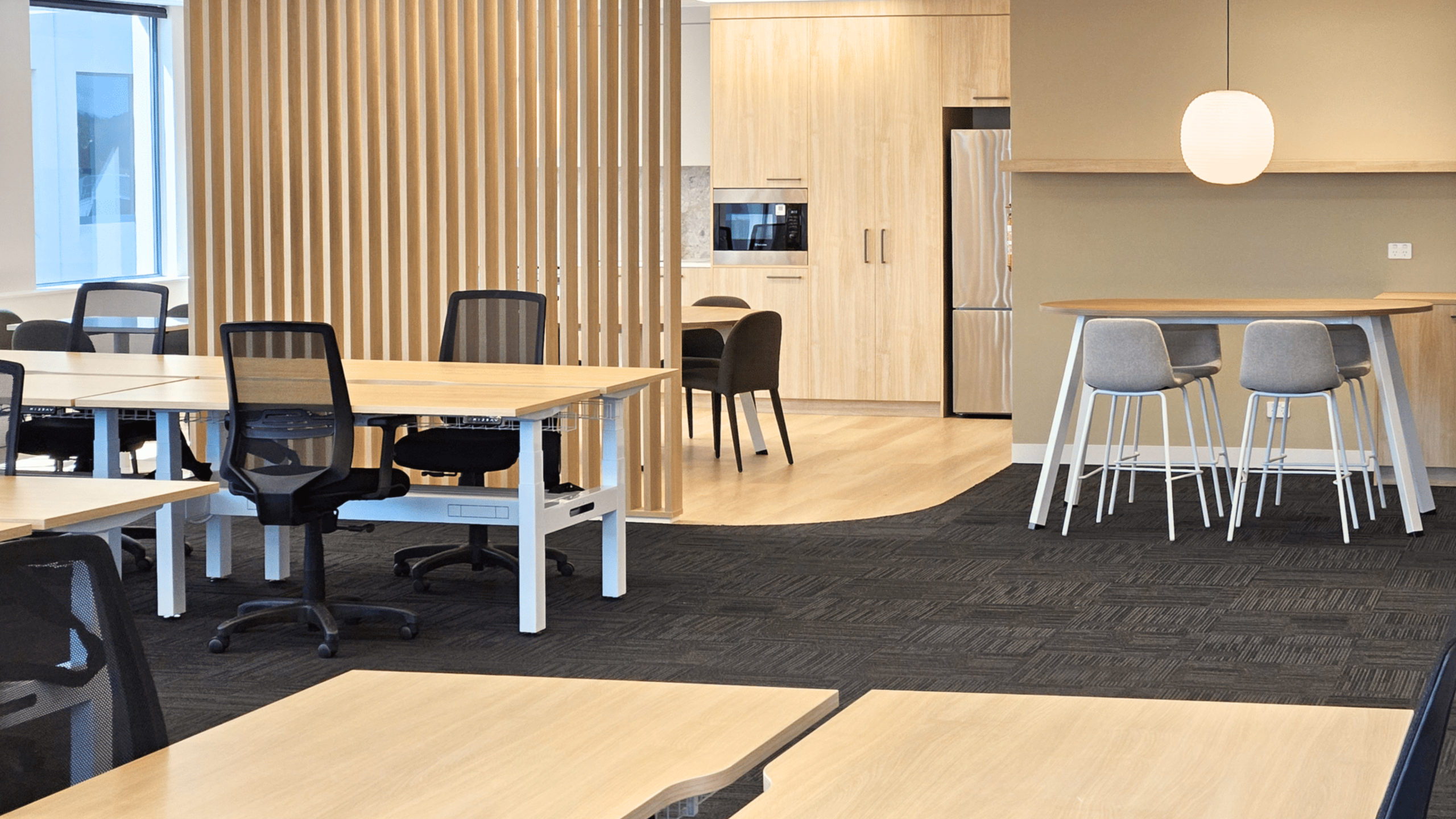
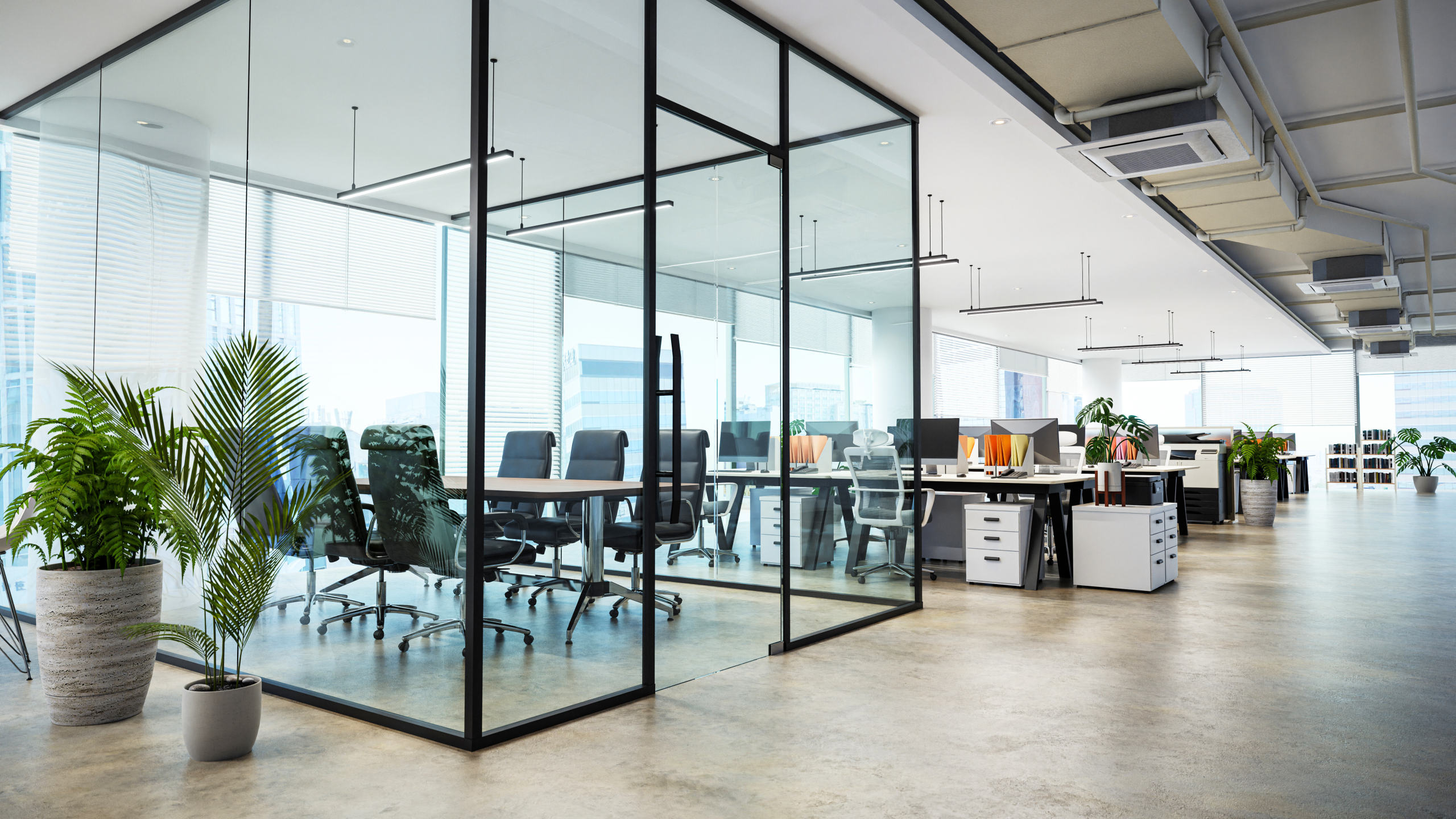
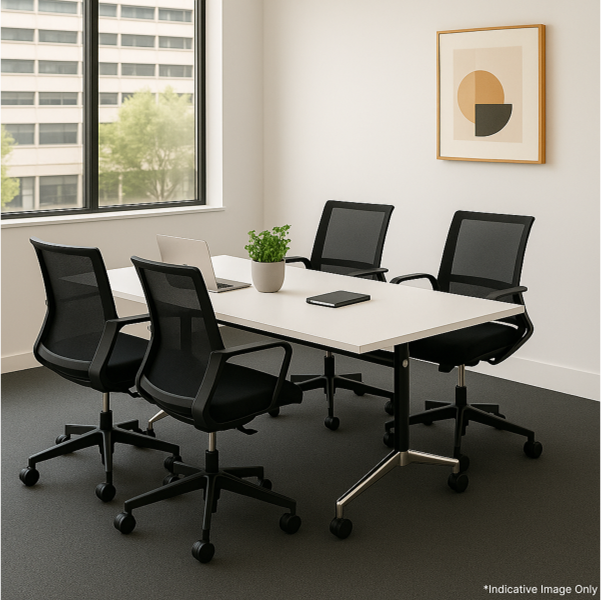
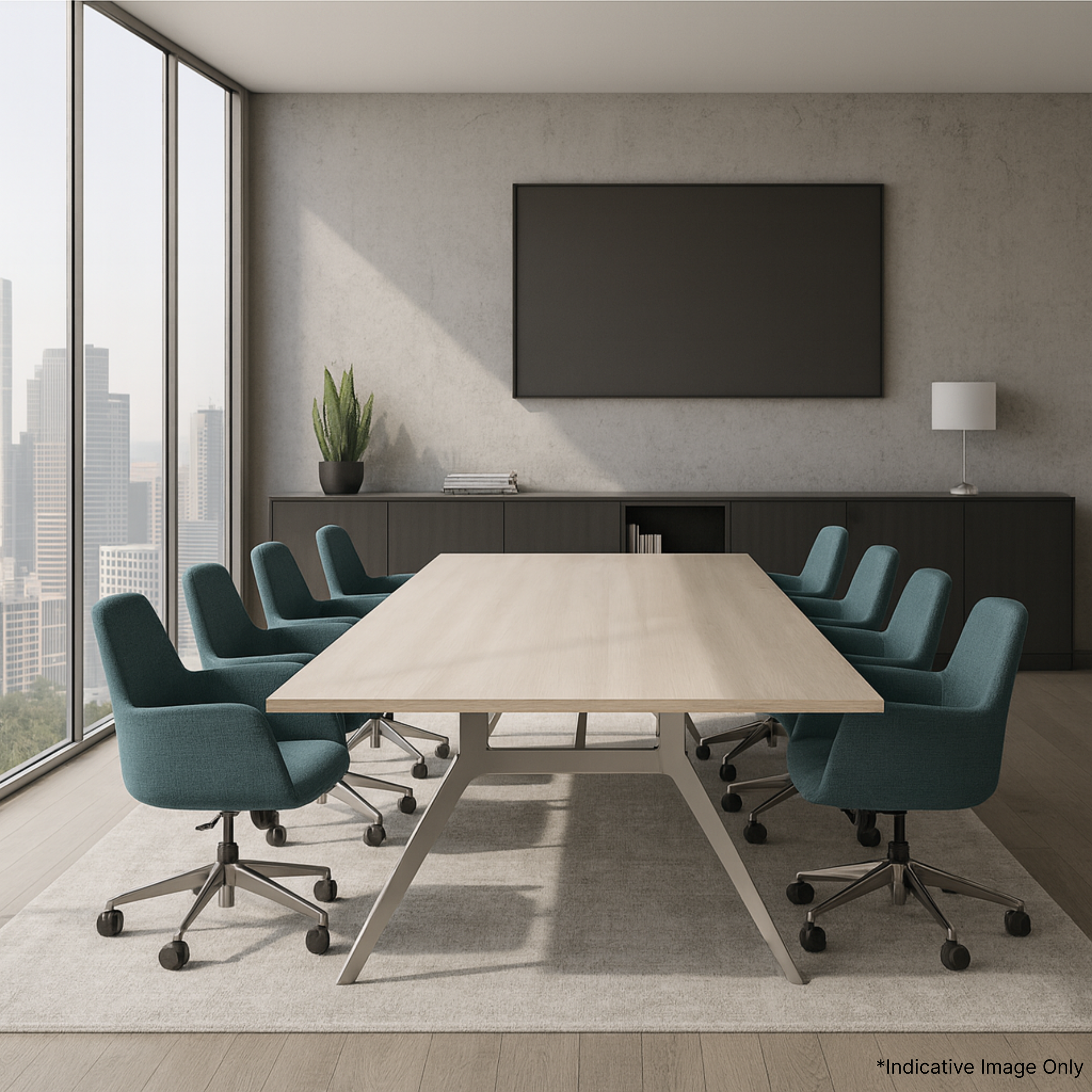
- The mix of individual desks, team spaces, meeting rooms, and breakout areas
- How people enter, move through, and exit your office
Ask yourself: does the flow of your current layout help or hinder productivity?
Consider designating separate paths for visitors and internal traffic to reduce disruption, and incorporate zoning to support specific types of work.

2. Team Needs and Workstyles
Different teams work differently. Design spaces around how your people actually work:
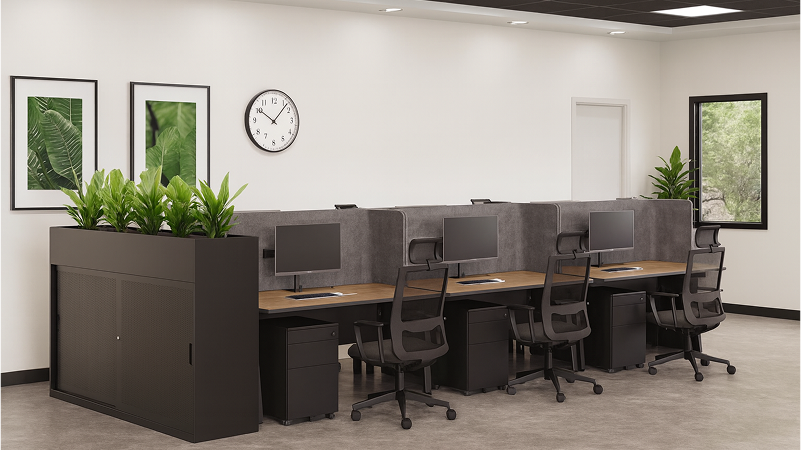
- Quiet zones for deep focus
- Collaboration areas for team projects
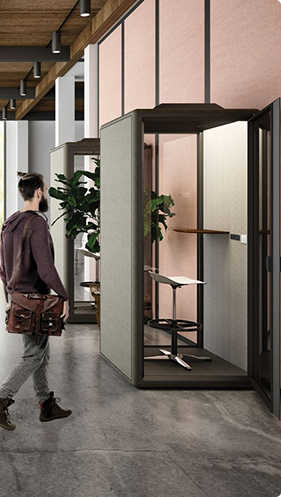
- Phone booths or pods for private calls
The best office layouts offer a mix of flexibility and function.
Encourage feedback from team members during planning. This ensures your layout reflects real needs—not just assumptions.

3. Ergonomics and Employee Comfort
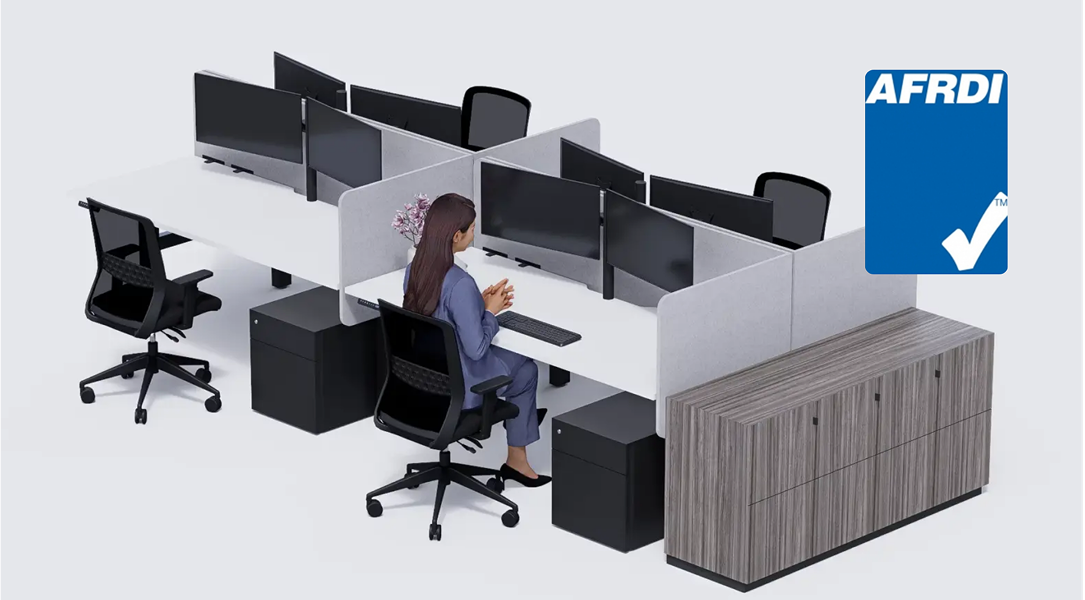
Poor ergonomics lead to fatigue and injury. Invest in:
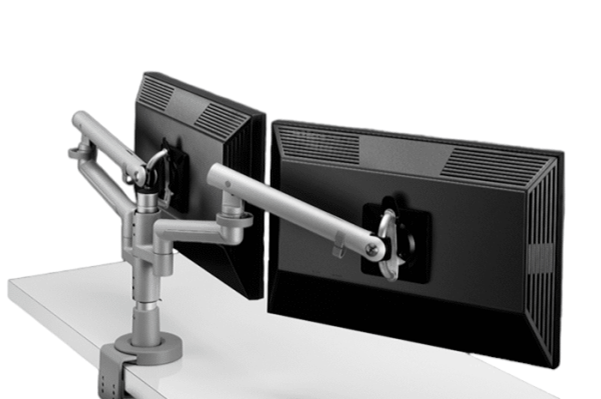
- Adjustable chairs and desks
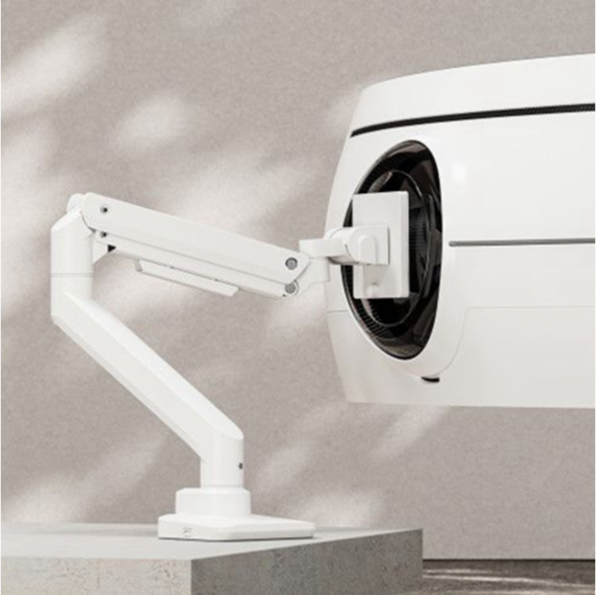
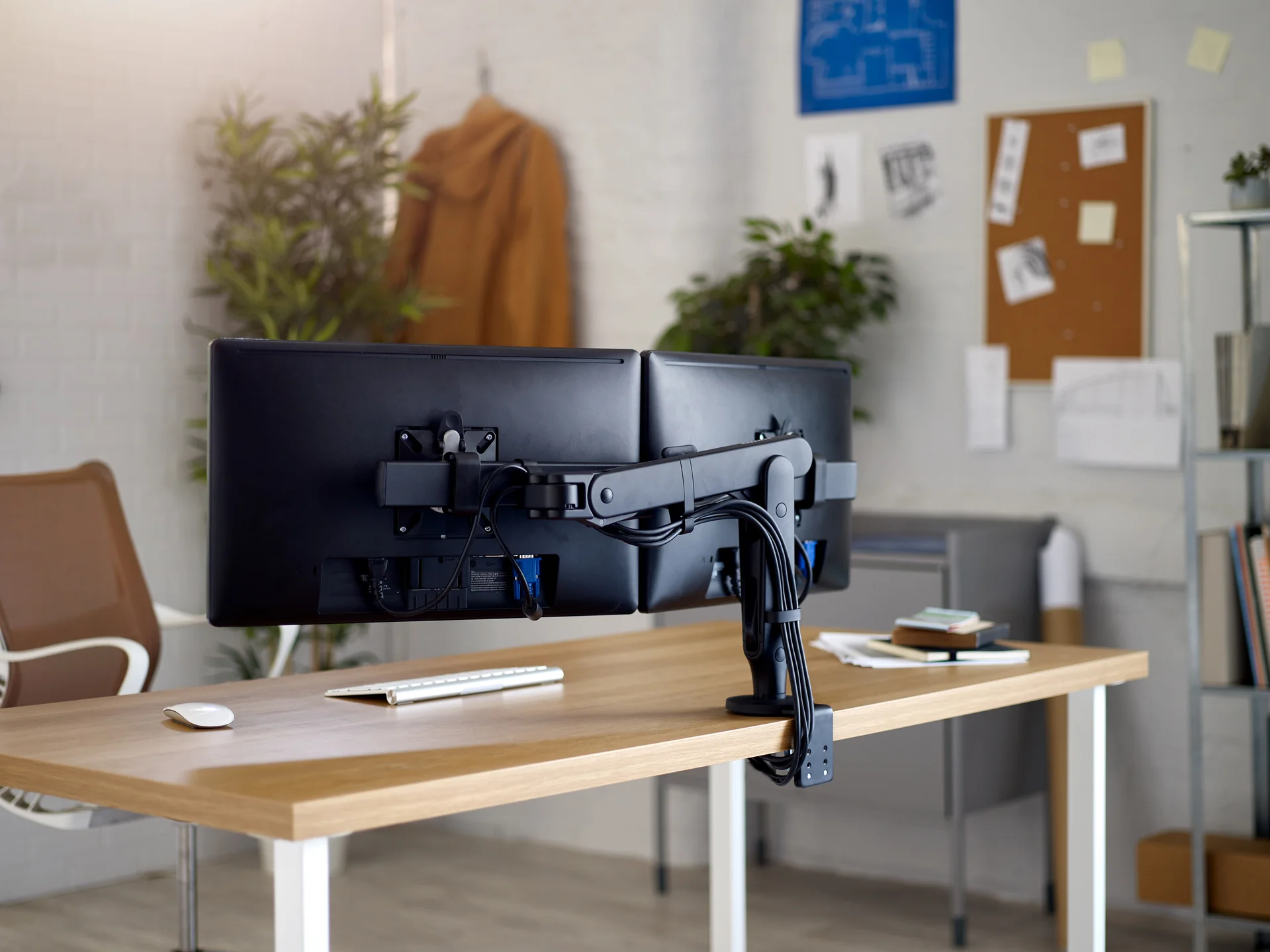
- Monitor arms and keyboard trays
- Lighting that reduces eye strain
Don’t forget temperature, noise levels, and even air quality—all contribute to how comfortable people feel in the space.
Happy, comfortable employees perform better and take fewer sick days.

4. Tech Integration from Day One
Plan early for IT and AV needs:
- Sufficient power and data outlets
- Wi-Fi coverage across all zones
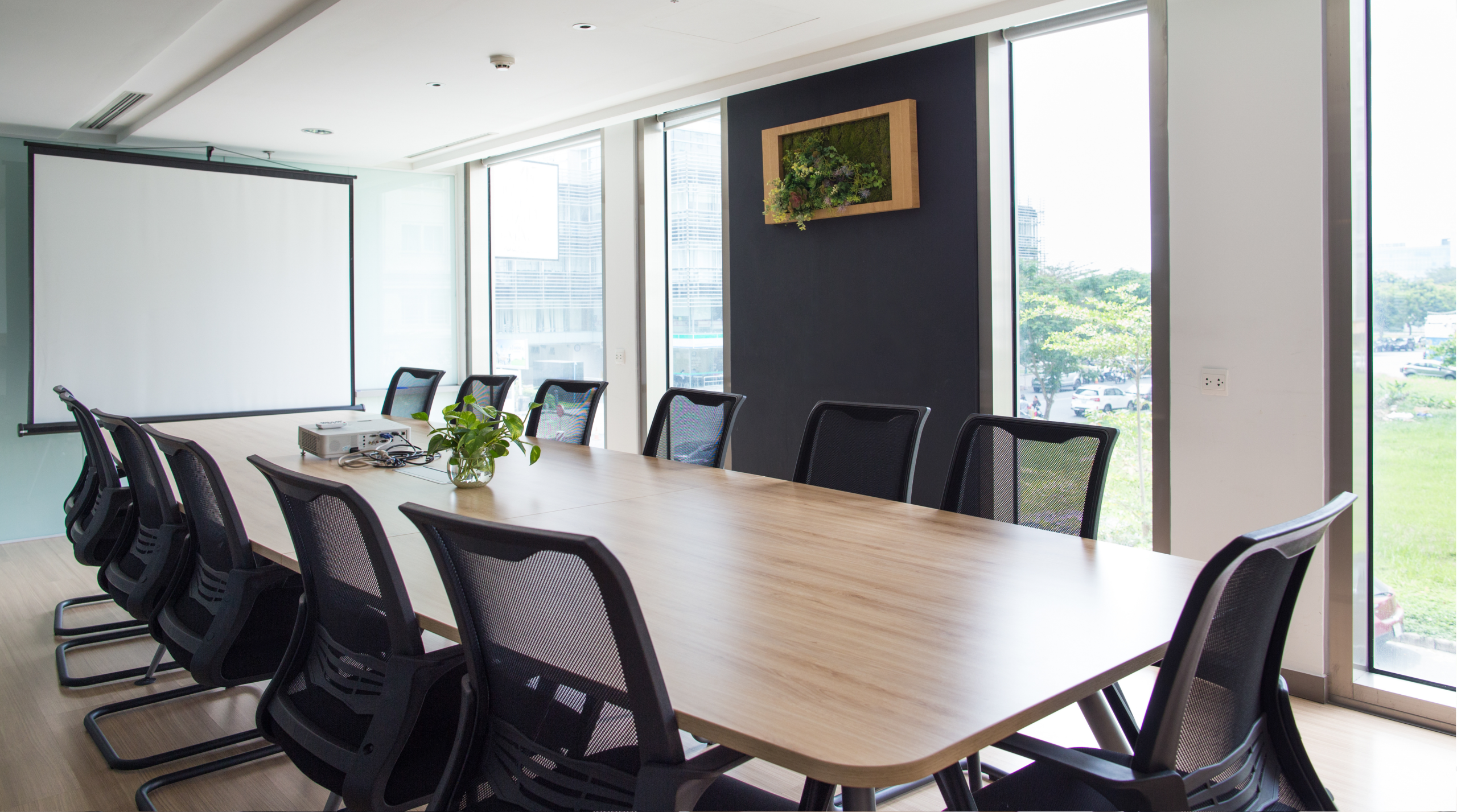
- AV for meeting rooms
- Charging stations at desks and common areas
Coordinate with your IT team to future-proof your layout with scalable infrastructure. Think about remote collaboration, digital whiteboards, and secure server access.
Poor tech planning leads to costly retrofits—avoid this by looping in your IT team early.

5. Lighting and Acoustics
Lighting impacts focus, while sound affects comfort. For both, consider:
- Natural light and glare reduction
- Task and ambient lighting
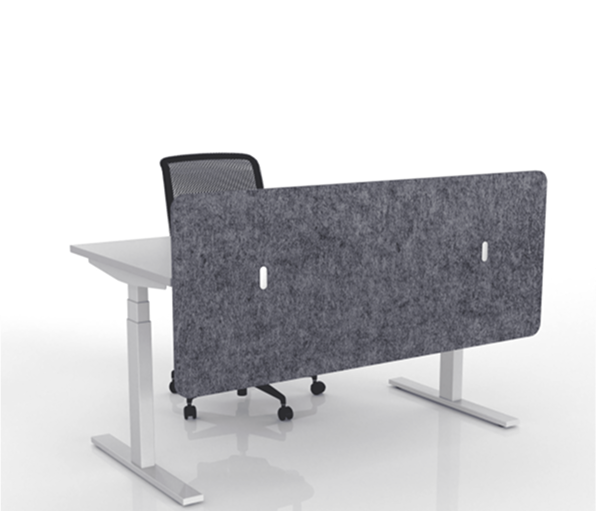
- Sound-absorbing panels or partitions
- Layouts that reduce echo in large spaces
Create lighting zones based on activity. For example, focused lighting at desks, and warmer ambient light in relaxation areas.
A well-lit, quiet office supports better focus and communication.

6. Reflect Your Brand and Culture
Use layout and design to reflect your brand values:
- Are you formal or creative?
- Client-facing or internal-only?
- Minimalist or vibrant?
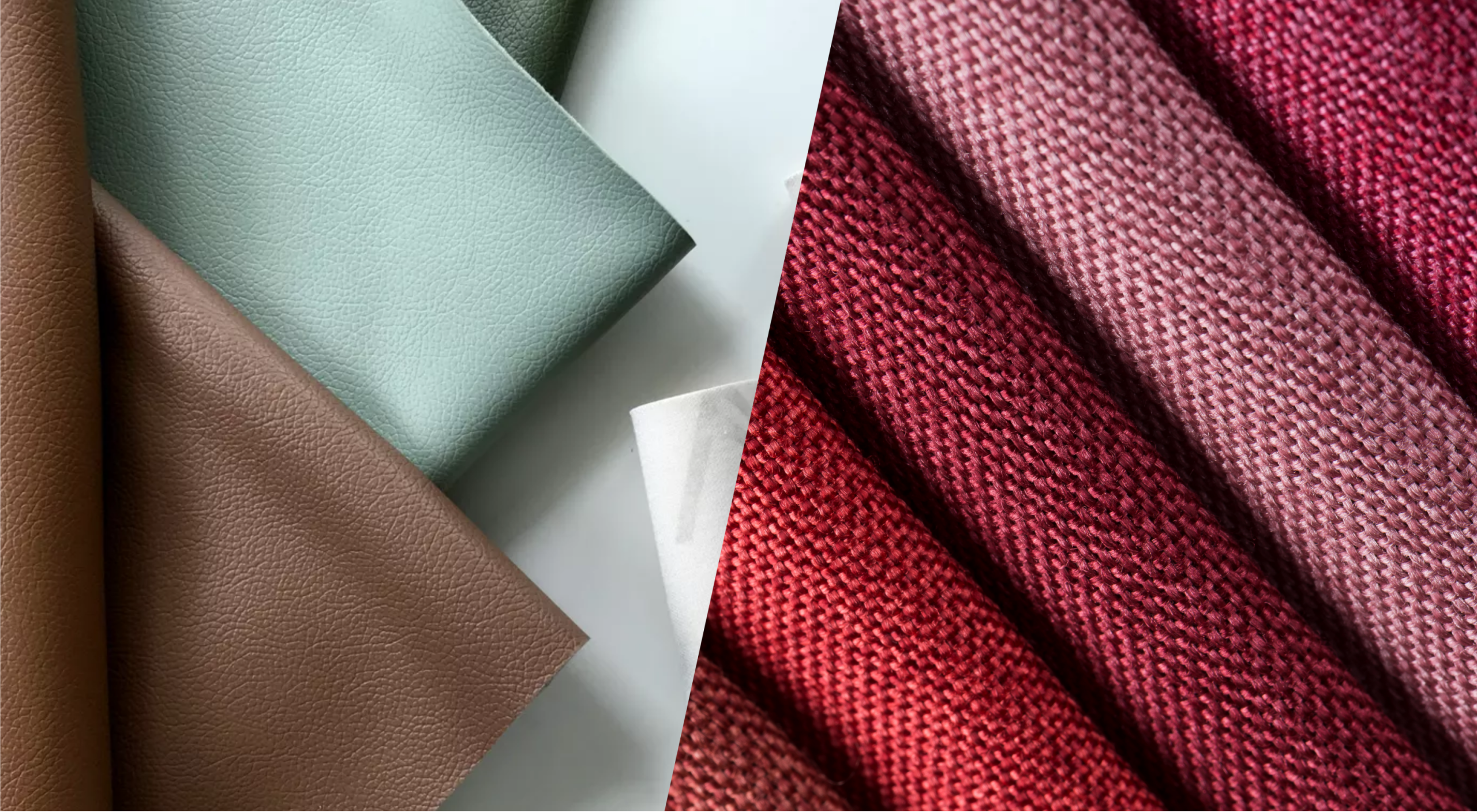
From colour schemes to materials and finishes, every detail should reinforce your company identity.
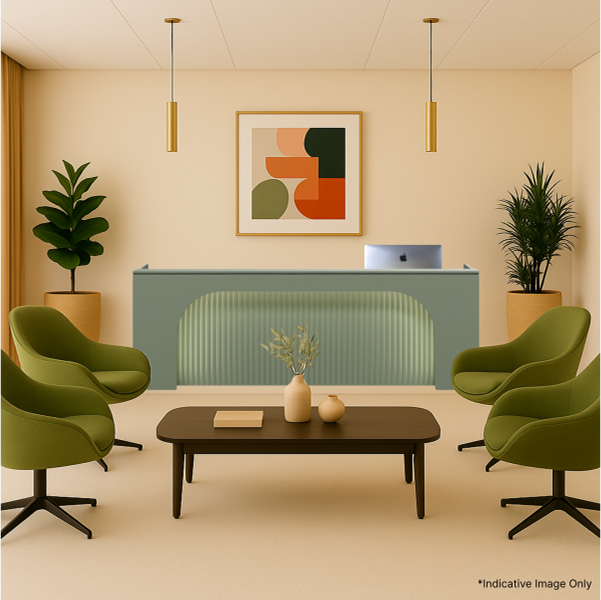
Don’t forget your front-of-house—this is where first impressions happen.

7. Plan for Future Growth
Think long-term:
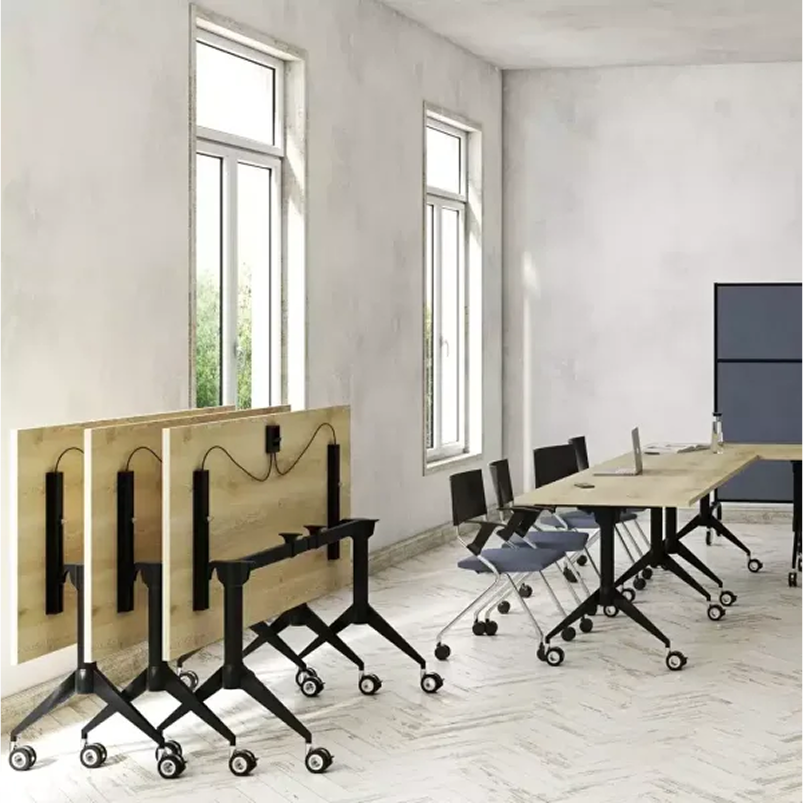
- Modular furniture that can be reconfigured
- Room for new hires or departments
- Spaces that adapt as your needs evolve
Include flexible zones that can evolve into meeting rooms, workstations, or lounges. Growth doesn’t always mean more people—it can also mean new ways of working.
Flexibility helps your office grow with your business.

Bonus: Budget Considerations
You don’t need to overspend to create a great layout. Set a clear budget for:
- Design and planning
- Furniture and tech
- Fitout and installation
Reuse what you can, and prioritise what matters most to your team.
Where possible, gather multiple quotes from suppliers and contractors to find value without sacrificing quality.
External Resource: Workplace Safety Requirements in Australia
Make sure your office meets safety standards. Visit Safe Work Australia for official guidelines on workplace layout, ergonomics, lighting, and compliance. Adding these considerations during the early planning stages ensures a safer and legally compliant office design.
Frequently Asked Questions About Office Layout Design Tips
For those exploring how to optimise their office layout, here are answers to some common questions related to space planning, functionality, and future-proofing.
Why is space planning important in office layout design?
Proper space planning helps maximise productivity, ensures smooth traffic flow, and balances privacy and collaboration. It also allows for better use of square footage while supporting both individual and team needs.
How should I layout my office?
Start by mapping your team’s movement and tasks. Use a mix of open areas for collaboration and private spaces for focused work. Consider ergonomic placement, tech access, and clear pathways.
What are the four principles of office layout?
The core principles are: efficient use of space, employee comfort, streamlined workflow, and adaptability. These guide the layout to support productivity and long-term growth.
What is the most ideal type of office layout?
There’s no one-size-fits-all answer. However, hybrid layouts that combine open collaboration spaces with quiet zones and breakout areas are widely considered ideal for flexibility and focus.
How can I make a small office feel more spacious?
Use light colours, mirrors, vertical storage, and minimal furniture. Keep traffic flow clear and opt for multi-functional furniture to maximise usability without clutter.
Final Thoughts: Build a Space That Works for Everyone
Designing an office layout is a big decision—but with the right strategy, it can unlock real improvements in how your team works, feels, and collaborates. By applying practical office layout design tips, you’ll ensure your workspace adapts to the needs of your people and the goals of your business.
Want a head start?

Download Our Free Office Layout Design Checklist
a practical tool to help you plan smarter, avoid costly mistakes, and create a workspace that works. A well-designed office balances function with form. These office layout design tips will help you:
- Maximise productivity and collaboration
- Create a layout that reflects your brand and values
- Plan for flexibility and future growth
- Ensure comfort, focus, and flow across your team
Download your checklist today and take the first step toward building a workplace that works better for everyone—now and in the future.
Get Our Pricing Catalogue

Featured posts
View all posts